At some point a small green circuit board with a grid of red lights on it turns up in your house, or your child mentions one in passing, and nobody explains what it is. It looks like something that should come with a warning label and a soldering iron. It does not.
Here is what the thing actually is, what a child genuinely does with one, and the question most articles skip: whether you need to buy one at all. For a lot of families the answer is no, and it is worth knowing why before you spend the money.
What is a micro:bit?
A small programmable computer, about the size of a credit card, built for children to write code that does something physical. It is made by a UK not-for-profit and came out of the BBC's Make It Digital campaign in 2015, which is why you will see it called the BBC micro:bit.
The important word is physical. Everything else your child codes lives on a screen, where a mistake produces a wrong answer. On a micro:bit a mistake produces a light that does not come on, and that difference matters more than it sounds.
It is not a hobbyist board that happens to be used in schools. It was designed for schools from the start, which is why it has no exposed sharp edges, needs no soldering, and runs from two AAA batteries. The same announcement notes 10 million distributed across 60 or more countries, so if your child's school has a set, they are in ordinary company.
What can it actually do?
More than the row of lights suggests. According to the Micro:bit Educational Foundation, the board can "sense, measure and log" light, temperature, sound, movement and magnetism, and it has an LED display, buttons, pins for building circuits, and built-in radio.
That list is the whole point, so it is worth translating. Movement sensing means your child can write a step counter, or make it react when shaken. Temperature and light sensing mean they can build something that logs the conditions in their bedroom overnight and shows the results. Radio means two of them can talk to each other, which is how classes end up building message senders and multiplayer games across a room.
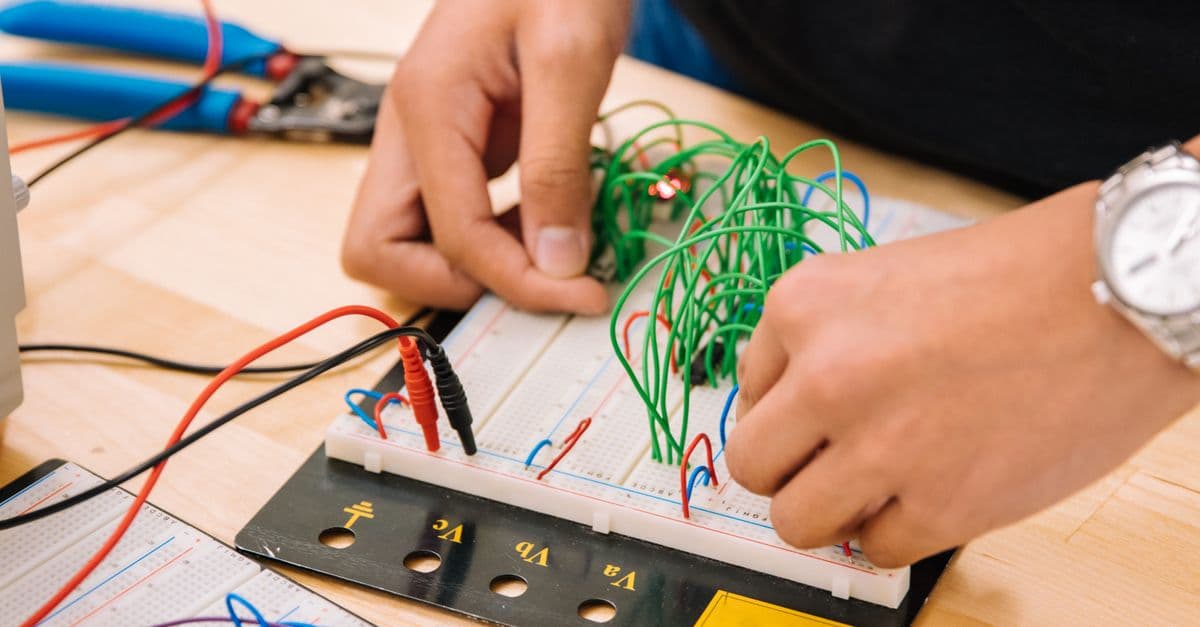
The pins are the part that surprises people. A child can clip crocodile clips to them and wire up a bit of foil, a plant, or a friend's hand, and turn any of those into a button. The classic version of this is a homemade musical instrument where touching different objects plays different notes, which is a genuinely good afternoon and teaches circuits without anyone saying the word circuit.
What age is it for?
Officially eight and up, with the tools split by reading and typing ability rather than by age alone. The Foundation lists MakeCode as "Block-based coding for ages 8+" and its Python editor as "Text-based coding for ages 11+", and describes the board as "designed for young people ages 8+".
Those two entry points matter more than the number. An eight-year-old drags blocks together and never types a line, which means the barrier is understanding what they want to happen, not spelling. An eleven-year-old writing Python on the same board is doing the real thing, and can move that skill anywhere afterward.
This is also why a micro:bit lasts longer than most educational toys. The same board that shows a smiley face for a seven-year-old is still useful at thirteen when they are logging sensor data and analyzing it, because what changed is the child rather than the hardware.
Do you need to buy one for home?
Probably not, and this is the part most articles will not tell you. Everything your child can do on the board can be done first in a free simulator in a web browser, with an on-screen micro:bit that responds to code exactly as the real one does.
Start there. It costs nothing, works on any laptop, and answers the only question that matters: does your child want to keep going? A surprising number of children enjoy one afternoon of making a face appear and never think about it again, and finding that out for free is better than finding it out for the price of the board.
Buy one when they hit the wall the simulator cannot cross. That wall is real and it arrives fast for the ones who are interested, because the whole appeal is the physical part. A step counter that counts simulated steps is a lesson. A step counter taped to your actual leg while you run around the garden is the reason a child remembers it.
If your child's school already has a class set, ask whether they can borrow one before you buy. Many can.
Is it real coding or a toy?
Real coding, with an unusually forgiving front door. A child using blocks is writing sequences, loops and conditions, and the same program can be viewed as Python with one click, which is a genuinely useful way to see that the blocks were never a separate thing.
The honest limit is scope. A micro:bit is small on purpose, so it will not run a game with graphics, browse the web, or do anything that needs much memory. That constraint is deliberate and mostly good, because it forces a child to make something work within tight limits, which is a real engineering habit rather than a compromise.
Where it stops being enough is when a child wants to build things the board cannot host. At that point the next step is usually Python on a normal computer, plus sensors and boards with more room. Our Senior Track runs 32 weeks for ages 12 to 16, covering object-oriented programming, file handling, live APIs and robotics with sensors, ending in an autonomous project. That is roughly the shape of what comes after a micro:bit, and the sensor work will feel familiar rather than new.
What should a first project be?
Something with an obvious result and no explanation needed. A dice that shows a random number when shaken, a step counter, or a thermometer that changes what it displays when the room gets cold.
Avoid anything where the outcome is a message on a screen. The reason a micro:bit works is that the result happens in the room, and a first project that ends in text throws away the only advantage the board has over a laptop.
Sit with them for the first one and then leave. This is not a subject that needs supervising once it starts, and the most valuable thing that happens is usually the bit after the tutorial ends, when they change a number to see what it does. Our guide to what age kids should start coding covers the readiness signals in more detail if you are unsure whether to start at all.
What if your child brings one home from school?
Ask them to show you what it does before you ask what it is. They will almost certainly know how to make it work and almost certainly not know how to explain it, and that order gets you a demonstration instead of a shrug.
If the demonstration turns into them wanting to change something, you have found the thing worth following. That is the same signal that matters everywhere else in this: not whether they enjoyed the lesson, but whether they wanted to keep going once nobody was making them.
If they do, a free trial class is one live session with a mentor, no card details and no commitment. Bring the micro:bit. A first lesson built around hardware a child already owns is a far better starting point than a blank editor.
See your child light up with code
Book a free 1-on-1 trial class with an expert mentor. No credit card, no commitment.
Book a Free Trial Class